Welcome to my website!
The latest posts from my blog are shown below, and information about me follows that section.
I hope you enjoy your visit!
My Latest Blog Posts
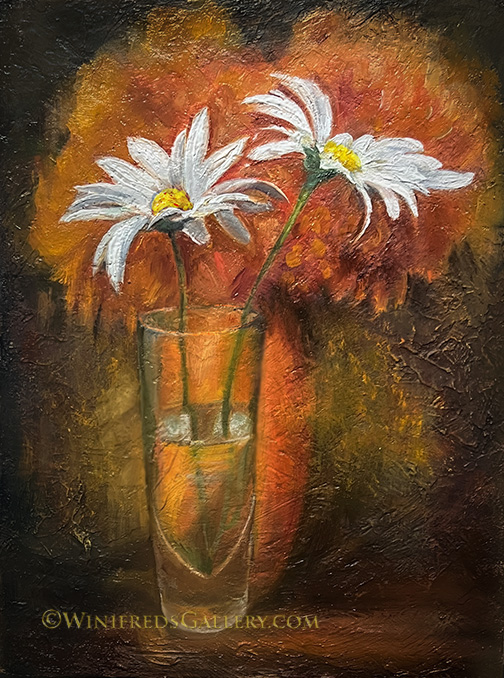
Two Daisies
Two Daisies on Orange Oil Painting on Textured Panel Years ago I created a highly…
2 Apples 2 Bricks and Grapes
2 Apples 2 Bricks and Grapes Oil Painting by Winifred Whitfield In an interview last…
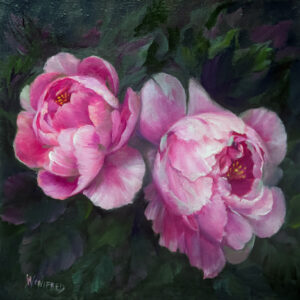
Peonies
Pink Peony Oil Painting 12×12 It’s almost time for these incredibly beautiful flowers to bloom….
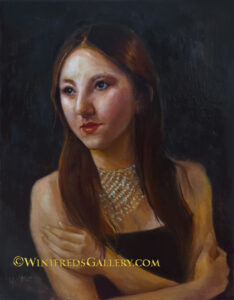
When More is Not Better
Kazakhstan Girl – Version Two 12×16 Oil Painting by Winifred Whitfield This past week, I…
My Biography
Hi, my name is Winifred.
 I am commissioned to provide the following services: Portraits, in oil and digitally painted, and find art paintings.
I have closed my online STORE where I sold digital tutorials and online workshops. Essentially, I no longer teach digital art. I focus exclusively on oil painting, and I continue to create digitally enhanced portraits and other digital products for clients.
My passion is creating fine art and heirloom portraits – portraits intended to pass from generation to generation. These portraits possess a high level of emotional content and beauty. More than seeing an image, I want you to feel it. I want it to convey a story about you. Such are the images which remain with us. Such are the images we feel connected to.
Oil Paintings
With the guidance of friends a “home gallery” was created. It’s pretty fun to live in a gallery. Eighty six paintings are currently on my walls and growing! Take a look – click here:
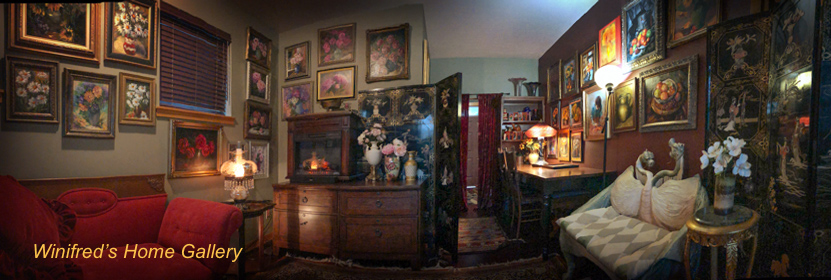
My days are filled with oil painting, primarily portraits and still life paintings. Click Here to access my Blog, and scroll through to see examples of my still life and portrait paintings. I have created many commissioned portraits and a variety of still lifes.
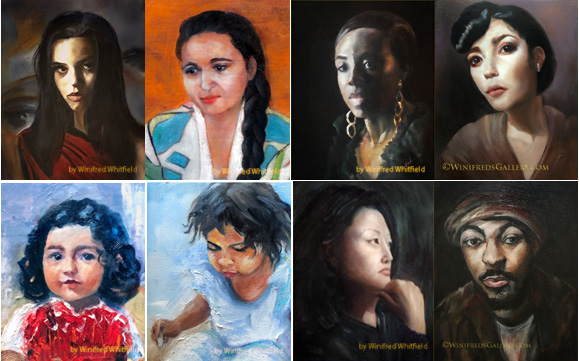
Examples of Oil Portraits by Winifred Whitfield
I
EDUCATION
- Master’s Degree in Urban and Region Planning – University of Southern California.
- Master’s Degree in Social Work – University of Southern California.
PHOTOGRAPHY CERTIFICATIONS – Wedding and Portrait Photographers International
- Accolade of Photographic Mastery
- Accolade of Outstanding Photographic Achievement
- Accolade of Exceptional Photographic Achievement
- Accolade of Lifetime Photographic Excellence (the Highest level granted by WPPI)
Workshops and Speaking Engagements
- Winifred has conducted workshops in Canada, New York, London, England, Las Vegas, Nevada, New Jersey, Illinois, Seattle
Awards
- Perfect Print Award ~ Northeast Photography Convention
- Kodak Gallery Award
Print Judging
- Print Competition Judging at international competition multiple years at WPPI and in and Great Britain
~~~~~~