Hello Everyone,
You probably know by now that I love patterns and love to sketch, enhance, or paint and fill with patterns. This is a quick video to show you the process. I hope you enjoy. Winifred
Related Images:


Hello Everyone,
You probably know by now that I love patterns and love to sketch, enhance, or paint and fill with patterns. This is a quick video to show you the process. I hope you enjoy. Winifred
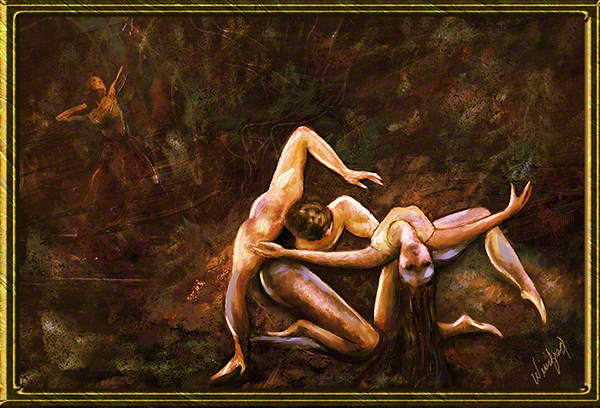
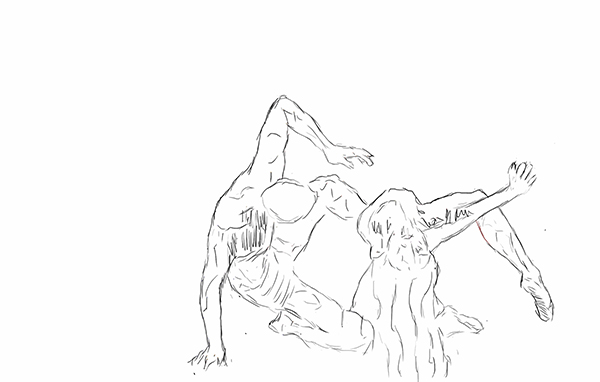
Recently I decided to practice creating some quick sketches. I was taking 5 to 10 minutes on each full bodied sketch. It was going well – I did 10 of them. Then the thought popped into my mind to attempt a sketch with my eyes closed. I envisioned an action – a figure pose. I closed my eyes and visualized it. Then without lifting my stylus from the tablet I quickly sketched the pose. It worked and I laughed out loud at the result. I tried another and another. I loved them. The fact is, I love to create images which make me laugh and these certainly did the trick.
I thought you would enjoy seeing these quick sketches.

All About Gradients
This week, I posted a video about ways to create and use Gradients in Corel Painter 12.1. I often use gradients in painter. Filling a canvas with a gradient or using it as an overlay is a good way to quickly get some color on your canvas and often sparks the next creative idea.
In this video, you will learn how to create a two-point gradient and how to save it, how to create a custom color gradient from a strip, (1000 pixels wide by 50 pixels deep), save it and capture the icon, and how to create your own gradient library. To add additional gradient collections to your libraries, please to to Corel Painters “extra content” page or click on the direct link to the extra content on my RESOURCES blog page. I hope you enjoy this video. Winifred.

The purpose of this Tutorial is to build experience in in visualizing a non photographic image, making complex selections, and making decisions about color texture which will affect the design and creativity of your painting. Any brush which has “grain” in it’s name can be used. I used the soft pastel. With pastel and chalk brushes a grain setting of 7% gives the maximin grain. Taking the grain setting to 100 percent pretty much allows you to paint without grain. This is a fun way to create a painting and a good way to experiment with creating a painting without cloning from a photo. Just play and enjoy.
Photographs often serve as my inspiration, but I love creating portrait and fine art paintings. Whether the photograph is taped on on a wall to view or exist as an underlying layer in Corel Painter, my mission is to go beyond – far beyond the photograph which inspires me to create a painting.
The following image progression represents just such a process. I wish I could say that when I started to paint I know where I am going – that I have envisioned the final painting. The fact is that is rarely the case. My paintings are created one brushstroke or one vision at a time ,as in – just keep putting one foot in front the other. I just follow inner vision. Often I close my eyes to envision the that next step and it always comes. For sure, nothing will happen if one does not start. So, I support you in starting, in experimenting, in playing. I paint everyday because I love it. I learn something new everyday.
The following image progression represents one such artistic journey for me:
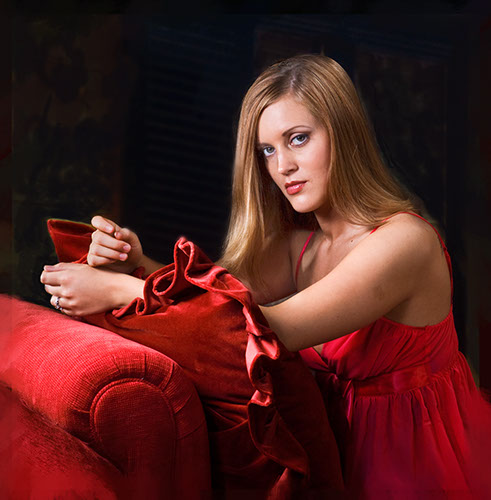
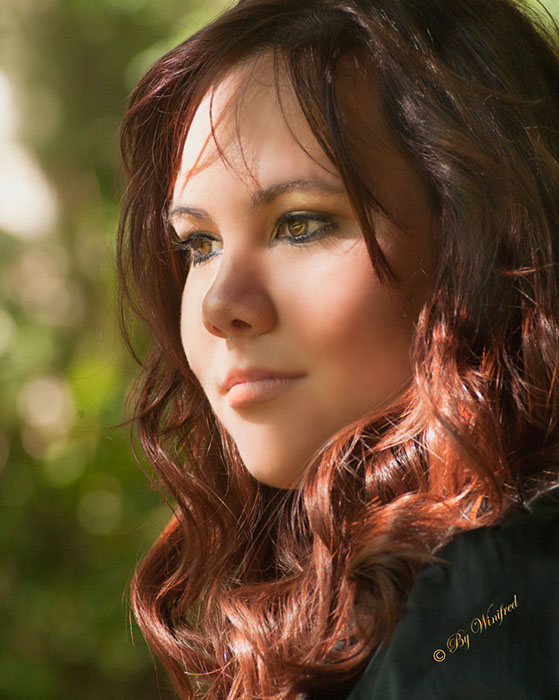
Reference image – a boudoir portrait. I knew I wanted to subdue the colors
and to soften and paint all with brushstrokes and to darken her
bright sparkling eyes, to remove photographic detail.

I changed the color pallet of the image before creating a
clone with painterly brush strokes.

Now I was on my on and I would paint the remainder from imagination.
I felt she needed a hat and I painted one.

I started to envision details – like flowers on her hat.

A color scheme continued to emerge. I was not happy with the hands
in the original image – not for hands in a classic portrait.

I painted a hand thinking of the grace and stylized long tapered
fingers seen in classic portraiture.

This is the final painting, its character, visual and emotional
content has been altered and it is sensuous in a different way.
Use color sets to select a single color or select all the colors in a color set to paint with. Create custom color sets, add new color sets fron Corel Painter Extra Content. Modify a color set. Add or delete from view color sets. This video will show you how.
I created a custom color set in order to select colors for this painting.
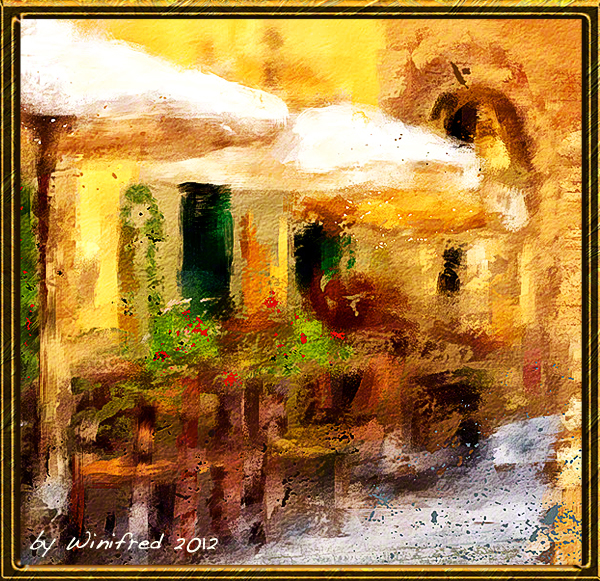
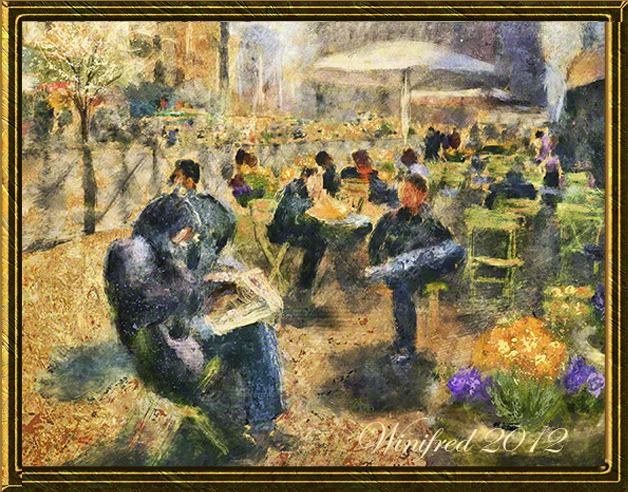
Create multiple colors in your brush strokes by:
1) varying hue, saturation and value (HSV),
2) select color from a gradient or,
3) select color from an entire color set.
I am sure you will enjoy creating more colorful and expressive brush strokes. The set of brushes I referred to are called Desert Oasis. They are watercolor brushes and would have to be converted to “cover” if they are to be used as a non watercolor variant. They can be found at Skip Allen Paints Blog along with many other brush sets he makes available for free.
I have created a custom “splatter look” with a specific brush and paper
to simulate the look spattered paint in the image below.
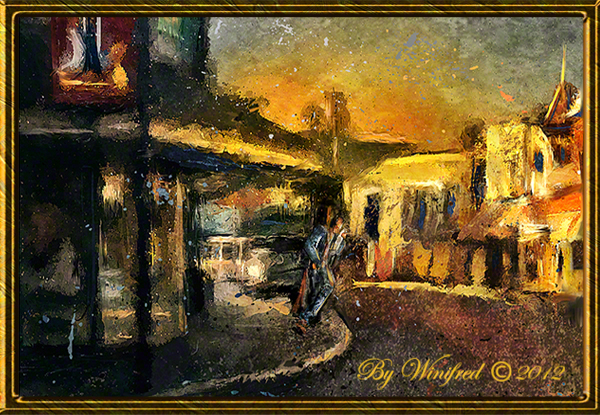
I can now apply this”spatter” effect to any image with just the click of a “look”.
I hope you enjoy this video, I would love to receive your comments and feedback.
Winifred Whitfield is a portrait painter, a fine art painter and teaches digital painting using Corel Painter and Photoshop.
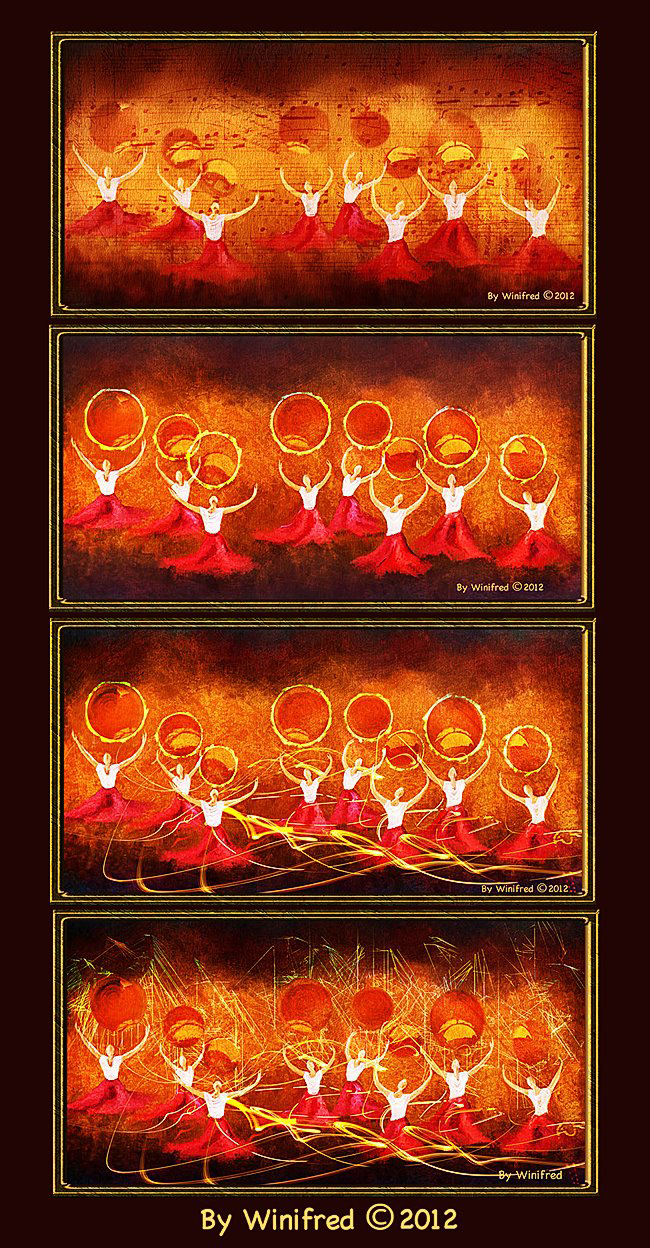
I love painting dancers though I have not created many such paintings. I am changing this. I enjoyed painting the variations below in Corel Painter 12.1.
Watch the video to see how I create the four variations of this painting. Unfortunately, there is not enough time in the 15 minutes to demonstrate the initial painting.
Creating s sketch of your subject allows for additional creativity and expression in your painting. A sketch in itself might become a finished work of art. Learn to sketch by hand. This video will inspire you to do so.
Below is the final painting.