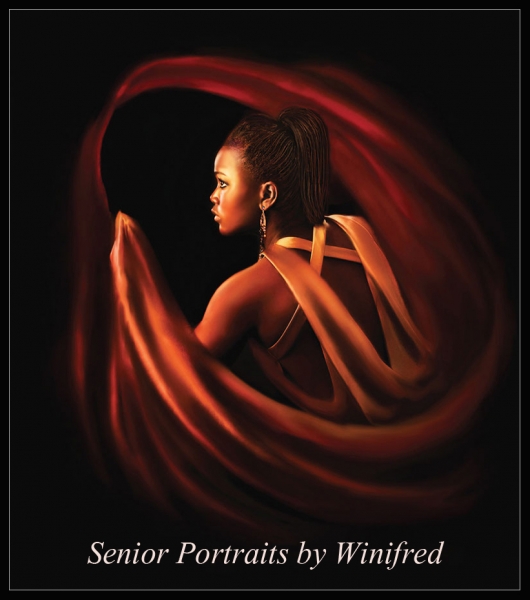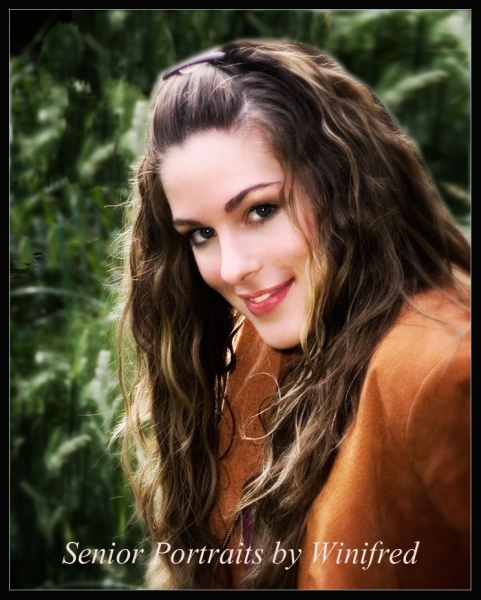
About Winifred Whitfield

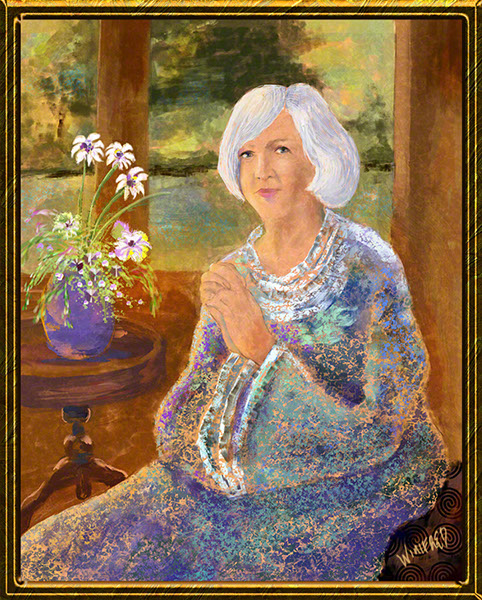
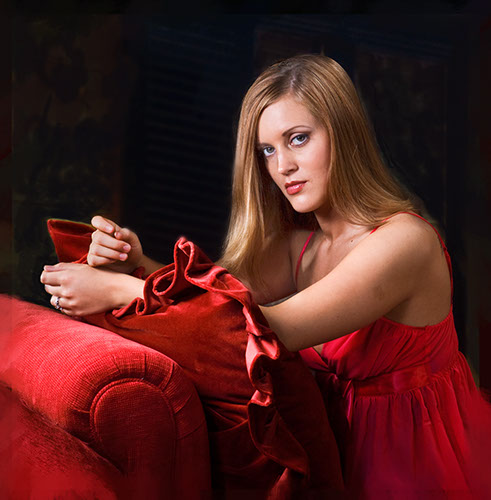
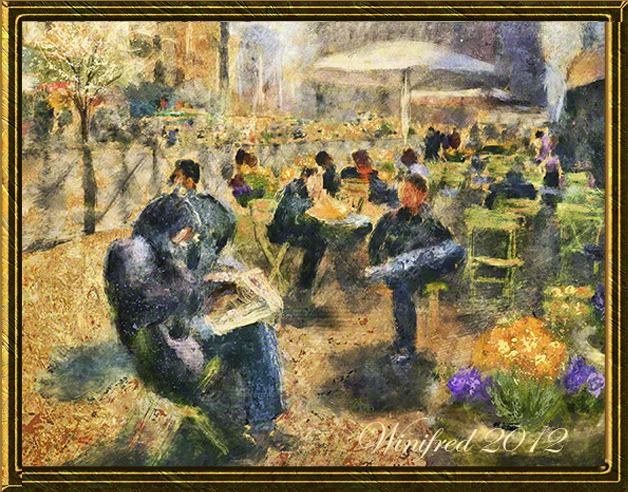
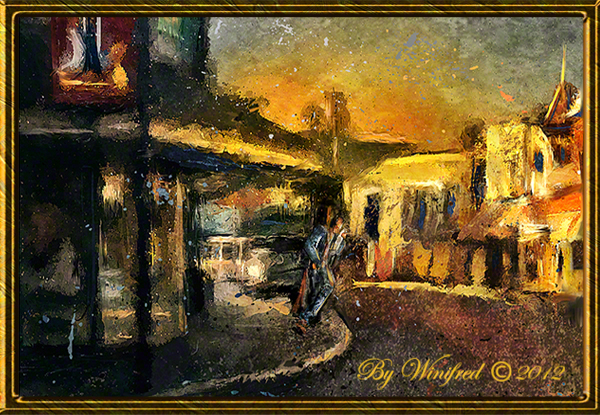
I'm an oil painter and a digital painter. Portrait painting is my speciality. I love painting still lifes as well. I'm also a professional portrait photographer.

Winifred’s Almost One To One Online Painting Workshops

Winifred’s Almost One To One Online Painter Workshops 

Winifred Whitfield has just announced her Almost One To One Online Digital Painting Workshops geared to the beginner and intermediate digital painter.  Content is primarily Corel Painter based but some beginner Photoshop painting discussions and demos MAY be included. There is a workshop currently in progress but workshops commence monthly. Since workshops are very small 2 to 5 people, register soon to ensure your place and to take advantage of the introductory offer.

CLICK HERE to View WORKSHOP DETAILS HERE


Benefit to you

~ Take your painting to a new level. Have you stopped seeing progress? Are you not creating what you want? Do you wish to become more expressive in your painting?

~ You will become more confident as a painter and will create expressive  paintings, which look like paintings, and not smeared  or blurred photos. ( You know what I mean) You will begin to create Painterly looking paintings as you envision them.

~ There will be a series of seven 2  to 3 hour  online sessions  which take place 2 to 3 times per week, totaling not more than 15 hours in live GotoMeeting online session time. Groups will be very small – only 2 to 5 people,  for maximum personalized attention.

~ We work hard but we laugh also. You will NEVER be harshly judged or attacked. I am your greatest fan!  I KNOW that together we can accomplish your objectives .

~  You will complete your  assignments on your  on time,  rather that using your workshop hours – virtually doubling or tripling the value of an in person workshop.

~ You don’t have to remember it all. You will receive a video of  a  demo that I do for you in each session.

~ Small groups will be formed matching skill and interest levels.

Includes 2 tutorials from Website Store –  which I will choose for you to support your  practice or for inspiration (approximately 140.00 value) FREE,

~ Other Free products  will be included.

~ One group make up session  –  in case a session must be missed.

Some beginner Photoshop painting is included.


Please be sure to VIEW MY FINE ART GALLERY

 New workshops will be starting monthly but register and purchase now to receive the current introductory offer.

Please Contact Me  –  including your PHONE NUMBER if you would like to receive additional information.  It will be emailed to you immediately. I will  also request information and images from you so that I can carefully match your experience level within a small group. Look forward to a personalized, learning filled and wonderful experience.


Related Images:
Painting Painting Painting

Painting More and More … if this is possible.

The Portrait Tutorial Store goes well and I even have an Fine Art Gallery online now. It has been a very busy several months.  My happy place however is painting.  I experiment quite a bit with my painting.  I work with and explore many different styles of work. I am not sure there are names for some of these styles. they are winifred.  I am considered a versatile painter and indeed this is true for now.

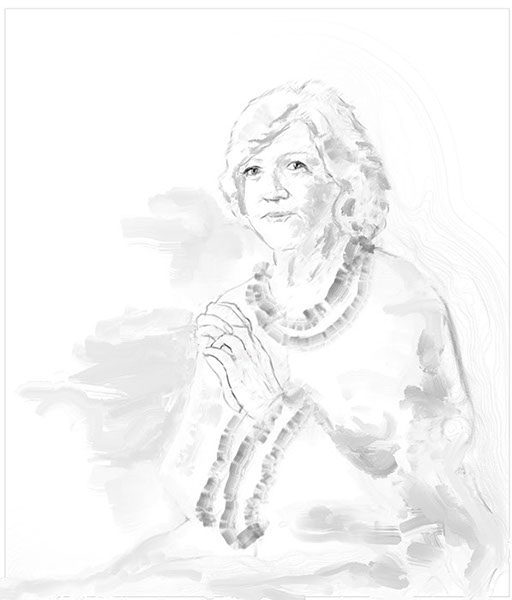
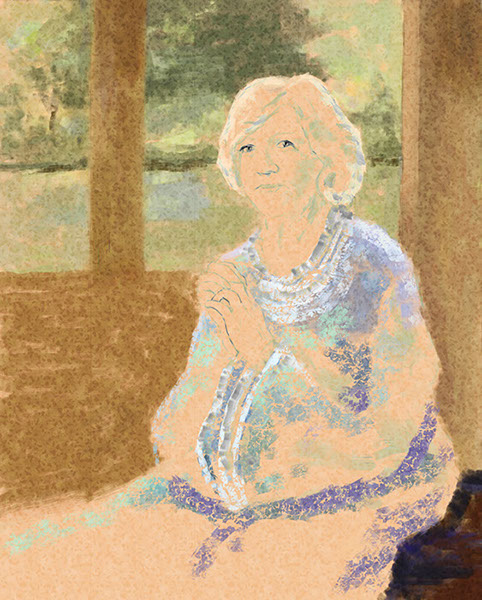
This is a painting I created recently. I have included the sketch, an image of the blocking in phase and the finished painting.  All of this is done digitally in Corel Painter 12.2. It is absolutely amazing what we can now create.

Please visit my fine art gallery – just click – Art Gallery


Related Images:

Winifred Whitfield’s Portrait Tutorial Store Now Open

Winifred Whitfield trains digital portrait painters. Winifred’s Portrait Tutorial Store offers a collection of portrait painting tutorials for all painting levels, which can be purchased  and downloaded immediately from the store, individually or in multiples. The collection as of this date, includes 10  tutorials –  approximately 1 to 2.5 hours in length, which includes the painting of women, glamour, children, portrait fine art, and a man.

Please Visit Our Store

Ethnicity varies amongst the portrait paintings.  You will not be disappointed in the range of tutorial choices available to you. Short Video Previews are also available on the STORE page and Winifred is personally abailable to assist you in making the choice/s right for you. In addition there are many freebies –  gifts to you!  Please visit soon.

***(In the firefox browser, there appears to be a problem in accessing the product page.  Please choose an alternate browser if possible).

Tutorial Examples:


  Girl in White


Girl with Flower 

Lady in Red 

Creating Hollywood Glamour 

Man in White Shirt 

Corel Painter Training

In addition, there are about 10 viewer favorite Corel Painter 12.2  tutorials youtube videos now on the site from My Youtube Channel – where there are now more than 30 tutorials.

Please be sure to take advantage of these resources.

Related Images:

Corel Painter 12.1 – Fun Painting

I thought I would try something different.  I am a huge fan of playing and experimenting.  To do so even with the “camera running” is even a greater challenge.  This is painting from imagination, just quickly putting the brush down as the image comes to mind.  If course the video speed was increased fur entertainment value.  I hope you enjoy. Winifred

Related Images:

Corel Painter 12.1 GRADIENTS

All About Gradients

This week, I posted a video about ways to create and use Gradients in Corel Painter 12.1.  I often use gradients in painter.  Filling  a canvas with a gradient or using it as an overlay  is a good way to quickly get some color on your canvas and often sparks the next creative idea.

In this video, you will learn how to create a two-point gradient and how to save it, how to create a custom color gradient from a strip, (1000 pixels wide by 50 pixels deep), save it and capture the icon, and how to create your own gradient library.  To add additional gradient  collections to your libraries, please to to Corel Painters “extra content” page or click on the direct link  to the extra content on my RESOURCES blog page. I hope you enjoy this video. Winifred.

Related Images:

Corel Painter Tutorial 12.1 – Selections and Textures

The purpose of this Tutorial is to build experience in in visualizing a non photographic image,  making complex selections,  and making decisions about color texture which will affect the design and creativity of your painting. Any brush which has  “grain” in it’s name can be used.  I used the soft pastel.  With pastel and chalk brushes a grain setting of 7% gives the maximin grain.  Taking the grain setting to 100 percent pretty much allows you to paint without grain.  This is a fun way to create a painting and a good way to  experiment with creating a painting without cloning from a photo. Just play and enjoy.


Related Images:

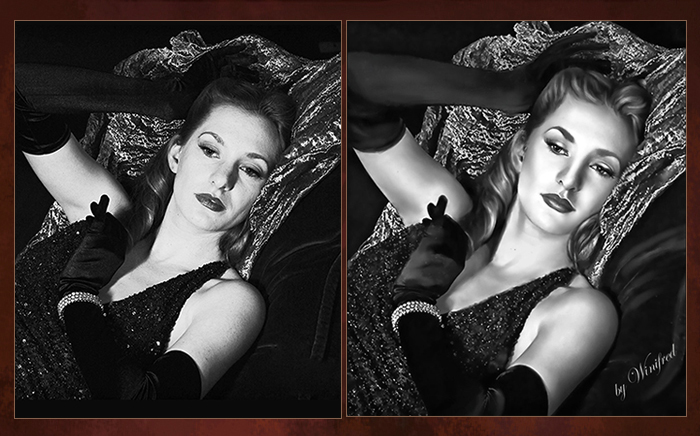
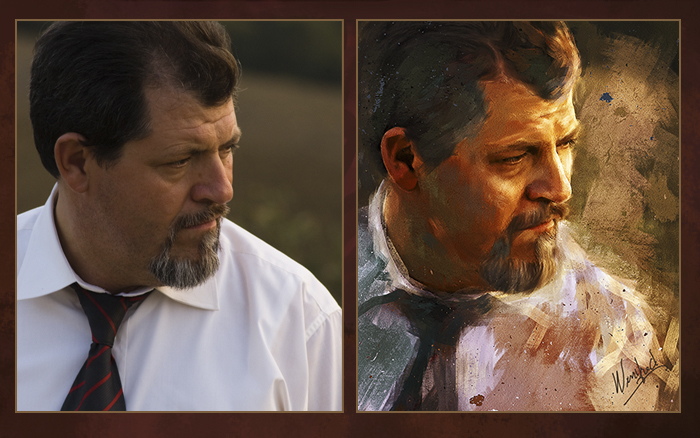
Winifred Whitfield Turns Photographs to Paintings

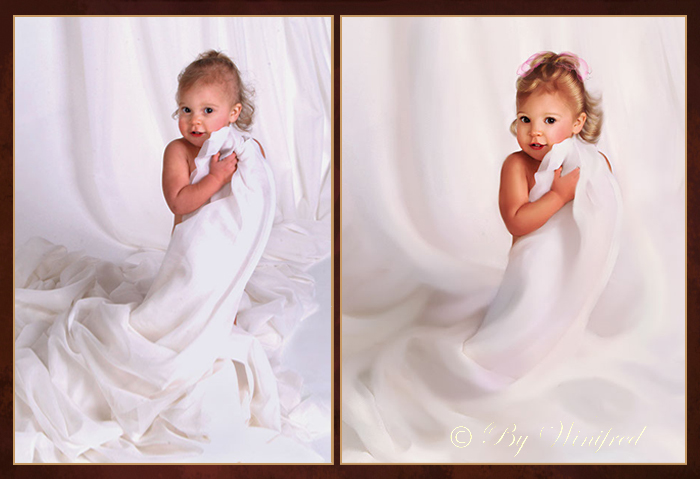
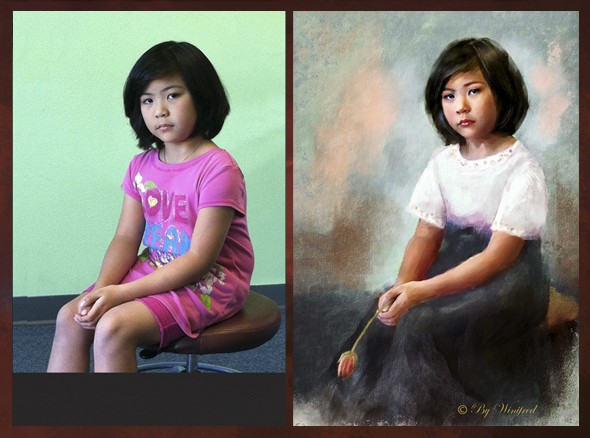
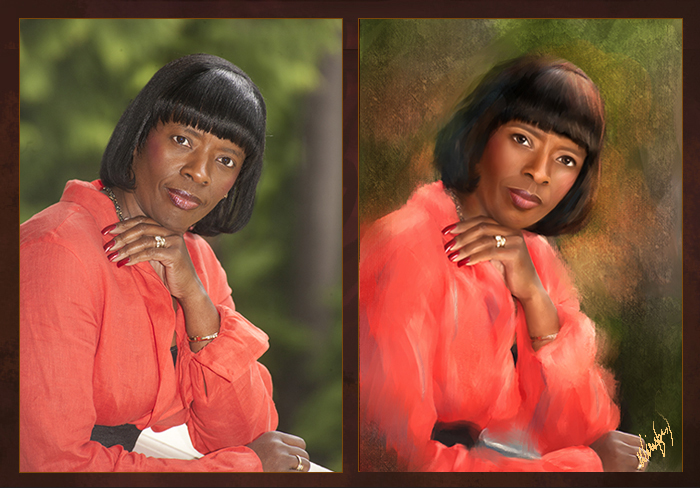
Photographs often serve as my inspiration, but I love creating portrait and fine art paintings. Whether the photograph is taped on on a wall to view or exist as an underlying layer in Corel Painter, my mission is to go beyond – far  beyond the photograph which inspires me to create a painting.

The following image progression represents just such a process.  I wish I could say that when I started to paint  I know where I am  going – that I have envisioned the final painting.  The fact is that  is rarely the case.  My paintings are created one brushstroke or one vision at a time ,as in – just keep putting one foot in front the other.  I just follow inner vision. Often I close my eyes to envision the  that next step and it always comes.  For sure, nothing will happen if one does not start. So, I support you in starting, in experimenting, in playing.  I paint everyday because I love it. I learn something new everyday.

The following image progression represents one such artistic journey for me:

Reference image – a boudoir portrait. I knew I wanted to subdue the colors

and to soften and paint all with brushstrokes and to darken her

bright sparkling eyes, to remove photographic detail.

I  changed the color pallet of the image before creating a
clone with painterly  brush strokes.

Now I was on my on and  I would paint the remainder from imagination.
I felt she needed a hat and I painted one.

I started to envision details – like flowers on her hat.

A color scheme continued to emerge.  I was not happy with the hands

in the original image  – not for hands in a classic portrait.

I painted a hand thinking of the grace and stylized long tapered

fingers seen in classic portraiture.

This is the final painting, its character, visual and emotional

content has been altered and it is sensuous in a different way.


Related Images:

Corel Painter 12.1 – All About Color Sets

Use color sets to select a single color or select all the colors in a color set to paint with. Create custom color sets, add new color sets fron Corel Painter Extra Content. Modify a  color set. Add or delete from view color sets.  This video will show you how.

I created a custom color set in order to select colors for this painting.

Related Images:

Corel Painter 12.1 Tutorial – Creating Multi Color Brush Strokes

Multi color brush strokes add to the richness of this painting.

Create multiple colors in your brush strokes by:

1) varying hue, saturation and value (HSV),

2) select color from a gradient or,

3) select color from an entire color set.

I am sure you will  enjoy creating more colorful and expressive brush strokes.  The set of brushes I referred to are called Desert Oasis.  They are watercolor brushes and would have to be converted to “cover” if they are to be used as a non watercolor variant. They can be found at Skip Allen Paints Blog along with many other brush sets he makes available for free.

Related Images:

Corel Painter 12.1 Tutorials – Creating Painter LOOKS

It is easy  to create custom and accessible brush and texture combinations called “LOOKS” in Corel Painter 12.1

I have created a custom “splatter look” with a specific brush and paper

to simulate the look spattered paint in the image below.

I  can now apply this”spatter” effect to any image with just the click of a “look”.

I hope  you enjoy this video, I would love to receive your comments and feedback.

~~~~~

Winifred Whitfield  is a portrait painter, a fine art painter and teaches digital painting using  Corel Painter and Photoshop.

Related Images: